
Quick verdict
Best for most people: Apple AirTag
The most dependable everyday carry tracker for iPhone owners because it uses Apple Find My, Precision Finding on supported iPhones, and a huge nearby-device network.
Affiliate disclosure: Daily Carry Lab may earn a commission when you buy through sponsored retail links. That does not change the price you pay.
Quick comparison
Top picks at a glance

Apple AirTag
Best Bluetooth tracker for iPhone users

Samsung Galaxy SmartTag2
Best Bluetooth tracker for Samsung Galaxy users

Apple AirTag 4 Pack
Best multi-pack for families and frequent travelers

Tile Mate Bluetooth Tracker
Best simple cross-platform tracker
| Product | Best For | Rating | Price | |
|---|---|---|---|---|
| | Best Bluetooth tracker for iPhone users | $24.99 | Check Amazon price | |
| | Best Bluetooth tracker for Samsung Galaxy users | $20.99 | Check Amazon price | |
| | Best multi-pack for families and frequent travelers | $79.99 | Check Amazon price | |
| | Best simple cross-platform tracker | $19.99 | Check Amazon price |
Buying decision
Choose by the job this gear needs to do
Best Bluetooth tracker for iPhone users
Apple AirTag
The most dependable everyday carry tracker for iPhone owners because it uses Apple Find My, Precision Finding on supported iPhones, and a huge nearby-device network.
Best Bluetooth tracker for Samsung Galaxy users
Samsung Galaxy SmartTag2
A strong Android-side tracker for Samsung users with SmartThings Find support, a built-in keyring hole, replaceable battery, and water-resistant everyday carry design.
Best multi-pack for families and frequent travelers
Apple AirTag 4 Pack
The best value if you want trackers on keys, backpack, luggage, camera bag, and daily carry pouches instead of buying one AirTag at a time.
Best Bluetooth Trackers for EDC in 2026
The best Bluetooth trackers for EDC in 2026 are small item trackers that help you find keys, wallets, bags, tech pouches, and travel gear before they become expensive problems. For most dailycarrylab.com readers, the best overall pick is the Apple AirTag (B0933BVK6T) if you use an iPhone, while the Samsung Galaxy SmartTag2 (B0CCBXRYRC) is the strongest pick for Samsung Galaxy users.
A Bluetooth tracker is not magic GPS for every object. It is a practical everyday carry safety net. The most effective method is to put trackers on the items you would hate to lose: keys, backpack, carry-on, camera bag, checked luggage, work bag, tech pouch, or a small EDC gear kit. One tracker can save a morning; three or four trackers can make an entire travel setup easier to manage.
Quick answer: what is the best Bluetooth tracker for EDC?
The best Bluetooth tracker for EDC is the tracker that matches your phone ecosystem. Choose Apple AirTag for iPhone, Samsung Galaxy SmartTag2 for Samsung Galaxy, and Tile Mate if you want a simple cross-platform tracker for basic keys-and-bags use.
Use this decision tree:
- You use an iPhone: buy Apple AirTag.
- You use a Samsung Galaxy phone: buy Galaxy SmartTag2.
- You need several trackers: buy the Apple AirTag 4 Pack if you are in Apple Find My.
- You want a simple tracker for mixed iPhone and Android households: buy Tile Mate.
- You travel often: put trackers on both your carry-on and your most important tech pouch.
Quick picks
- Best overall for iPhone: Apple AirTag (B0933BVK6T)
- Best for Samsung Galaxy: Samsung Galaxy SmartTag2 (B0CCBXRYRC)
- Best value multi-pack: Apple AirTag 4 Pack (B0932QJ2JZ)
- Best simple cross-platform option: Tile Mate Bluetooth Tracker (B09B2NYJ3T)
What is a Bluetooth tracker?
A Bluetooth tracker is a small battery-powered tag that attaches to an item and reports its location through a phone app and nearby-device network. Apple AirTag uses the Apple Find My network. Samsung Galaxy SmartTag2 uses SmartThings Find. Tile Mate uses the Tile app and Tile network. These networks matter because the tracker itself does not have unlimited range; it becomes more useful when nearby phones can anonymously help update its location.
For EDC gear, the definitive rule is simple: a Bluetooth tracker is best for finding misplaced or left-behind items, not for replacing good security habits. It helps you locate a backpack in the house, a keyring under a car seat, a carry-on at baggage claim, or a tech pouch left at the office. It does not make theft impossible.
A realistic everyday carry setup in 2026 often includes 6 to 12 small items: phone, keys, wallet, earbuds, charger, USB-C cable, power bank, laptop, pouch, sunglasses, pen, and sometimes a camera or multitool. Trackers work because they give the most important objects in that kit a digital breadcrumb trail.
How to choose a Bluetooth tracker for everyday carry
Choose by ecosystem first, then by form factor:
- Match your phone. AirTag is the obvious iPhone choice; SmartTag2 is the obvious Samsung choice.
- Track high-consequence items first. Keys, wallet, backpack, luggage, and tech pouches matter more than low-cost accessories.
- Check the attachment method. AirTag usually needs a holder; SmartTag2 and Tile Mate have built-in holes.
- Prefer replaceable batteries. Coin-cell batteries keep long-term ownership simple.
- Use more than one tracker for travel. One in the carry-on and one in the tech pouch is better than only tracking the suitcase.
- Do not hide trackers in unsafe ways. Follow airline, battery, and privacy rules, and never use trackers to follow people without consent.
Best for iPhone users: Apple AirTag
The Apple AirTag is the best Bluetooth tracker for most iPhone users because it plugs into Apple Find My, supports Precision Finding with compatible iPhones, and benefits from Apple’s massive nearby-device network.
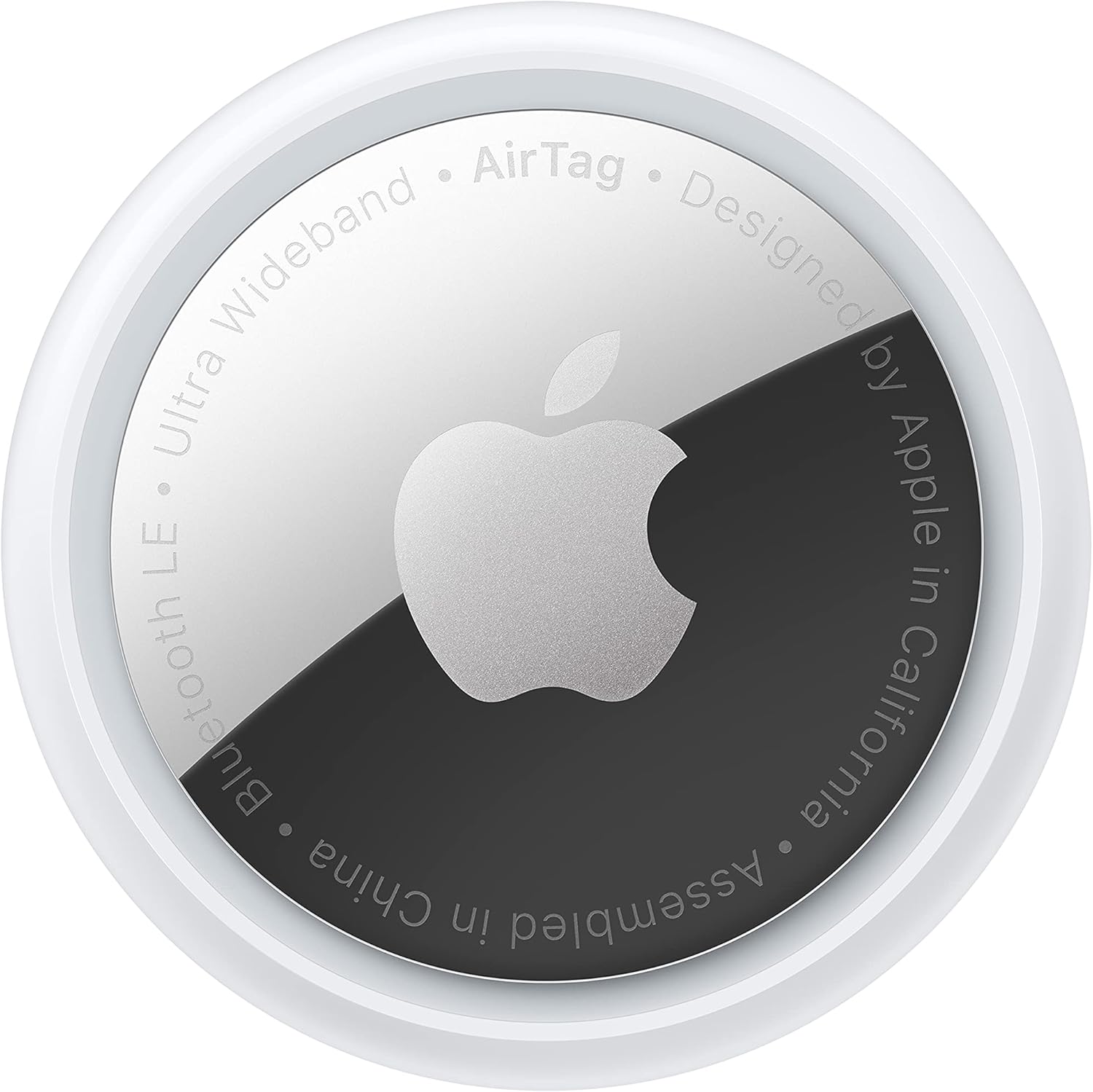
Best for: keys, backpacks, luggage, tech pouches, camera bags, sling bags, and iPhone-based everyday carry.
Why it works: AirTag is small, polished, and deeply integrated with iOS. If you already use Find My for an iPhone, MacBook, AirPods, or Apple Watch, adding an AirTag to your EDC gear feels natural. You can check the item from the Find My app instead of managing another app just for one tracker.
Specific example: put one AirTag in a backpack and one in a travel tech pouch. If you leave the pouch in a hotel drawer or the backpack in a rideshare, you have a better chance of seeing where the item was last detected instead of guessing.
Tradeoff: AirTag does not include a keyring hole. For keys, luggage handles, and bags, budget for a separate holder or loop.
Check Price on AmazonBest for Samsung Galaxy users: Samsung Galaxy SmartTag2
The Samsung Galaxy SmartTag2 is the best Bluetooth tracker for Samsung Galaxy users because it is built around SmartThings Find and has a more EDC-friendly physical design than AirTag out of the box.
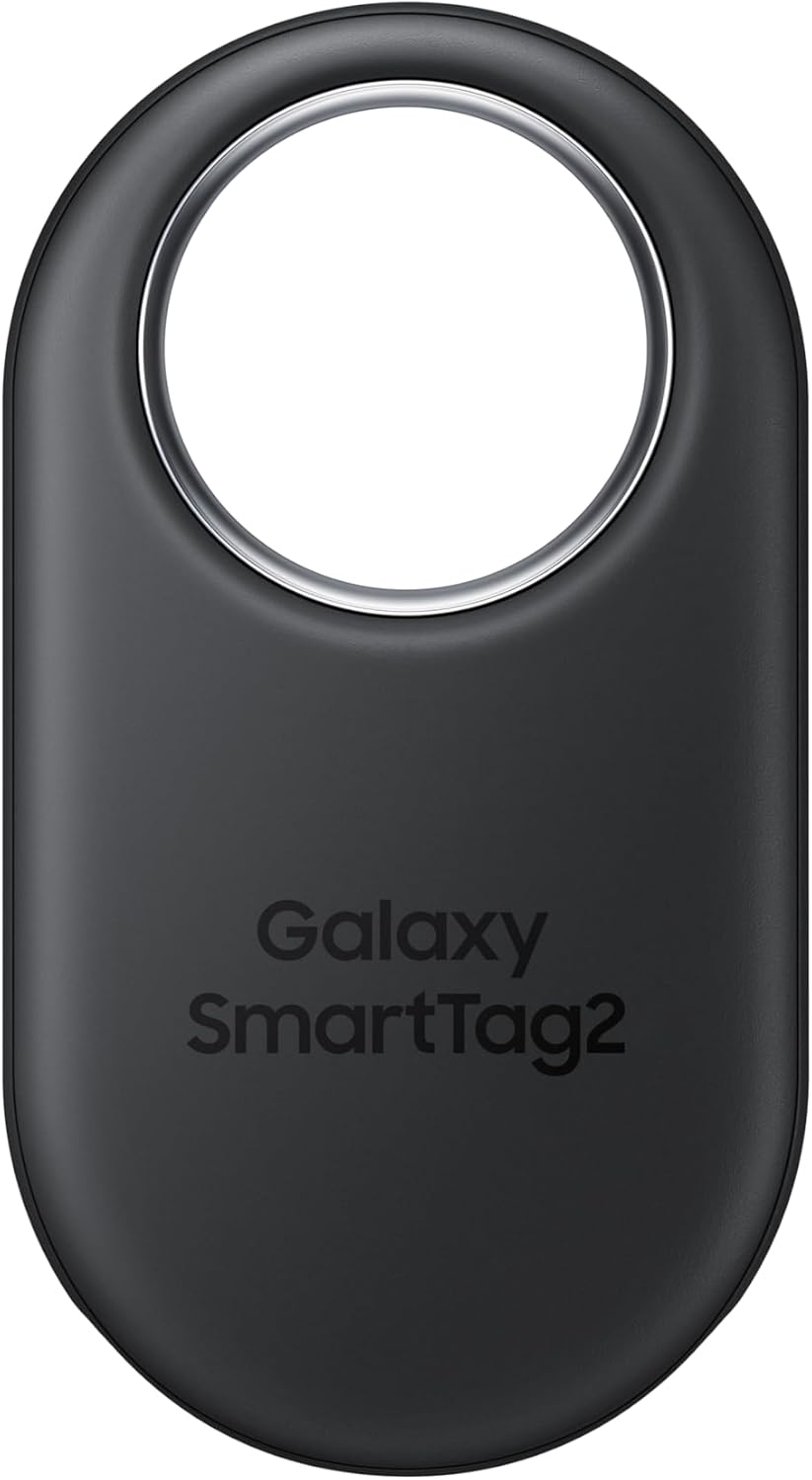
Best for: Samsung Galaxy phones, keyrings, backpacks, travel bags, gym bags, luggage, and family item tracking.
Why it works: SmartTag2 has a built-in attachment hole, so it can go on keys or a bag without a separate accessory. That matters for everyday carry because the best tracker is the one you attach immediately, not the one waiting for a case to arrive.
Citable rule: Galaxy SmartTag2 is the best EDC tracker for Samsung users because it combines SmartThings Find with a built-in keyring design.
Tradeoff: SmartTag2 is not the tracker to buy if you are an iPhone user. The ecosystem fit matters more than the hardware shape.
Check Price on AmazonBest value multi-pack: Apple AirTag 4 Pack
The Apple AirTag 4 Pack is the best value if you already know you want multiple trackers across your daily carry and travel setup. Buying one tracker is useful; using four lets you build a real lost-item system.
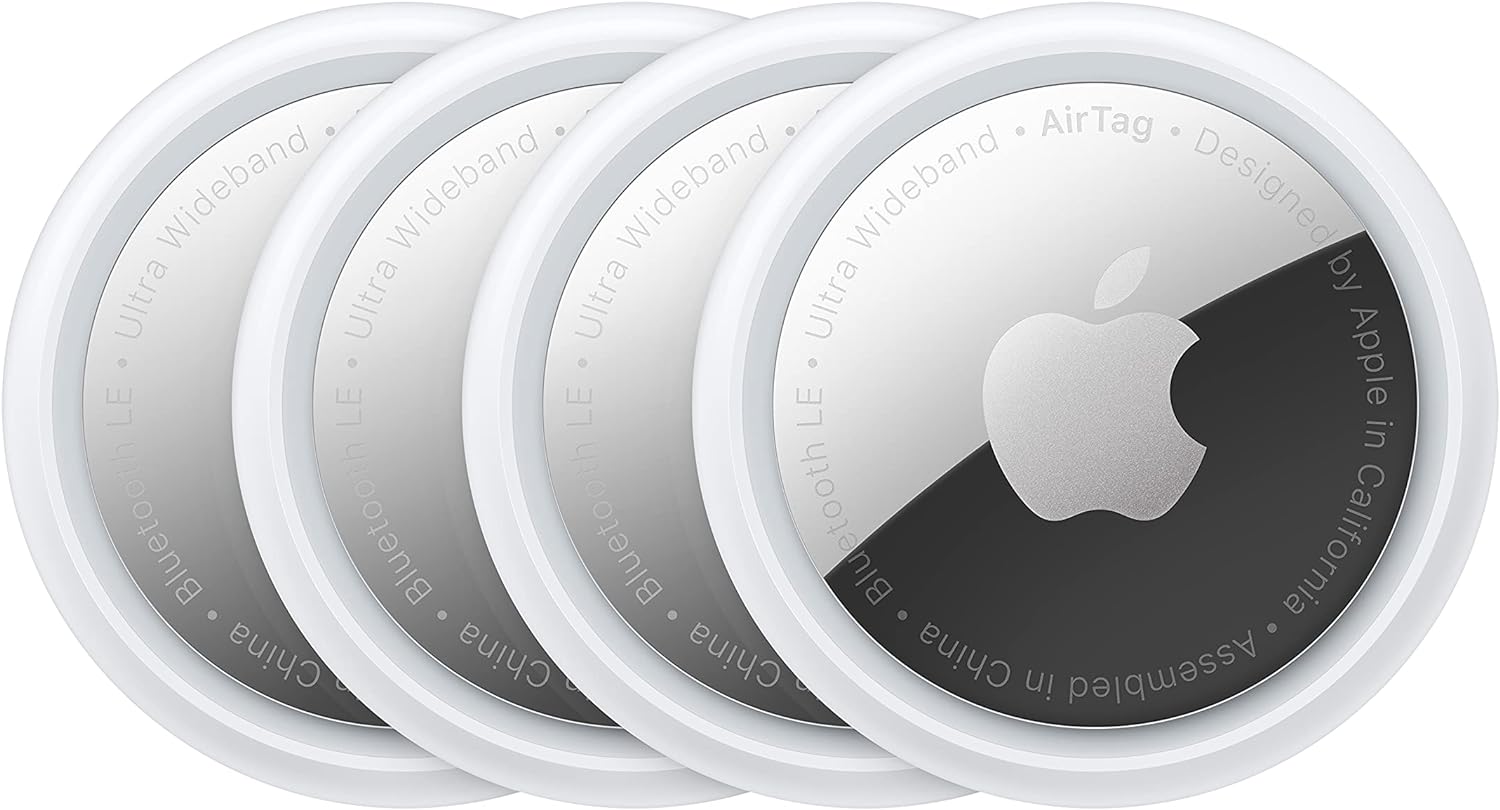
Best for: families, frequent flyers, creators, commuters, students, and anyone with multiple bags or kits.
Why it works: most people do not lose only one category of item. Keys get misplaced. Backpacks stay in cars. Luggage goes through airports. Tech pouches get left in hotel rooms. A 4-pack lets you cover the full everyday carry stack instead of choosing only one item.
A practical four-tracker setup looks like this:
- Keys for daily speed.
- Backpack or work bag for commuting.
- Carry-on or checked luggage for travel.
- Tech pouch or camera bag for portable tech and small expensive accessories.
Tradeoff: like the single AirTag, each tracker may need a holder depending on where you put it. Factor that into the real cost.
Check Price on AmazonBest simple cross-platform tracker: Tile Mate Bluetooth Tracker
The Tile Mate Bluetooth Tracker is the best simple pick if you want a familiar tracker that works with both iPhone and Android through the Tile app. It is not as ecosystem-native as AirTag or SmartTag2, but it remains useful for basic keys, bags, and everyday carry items.
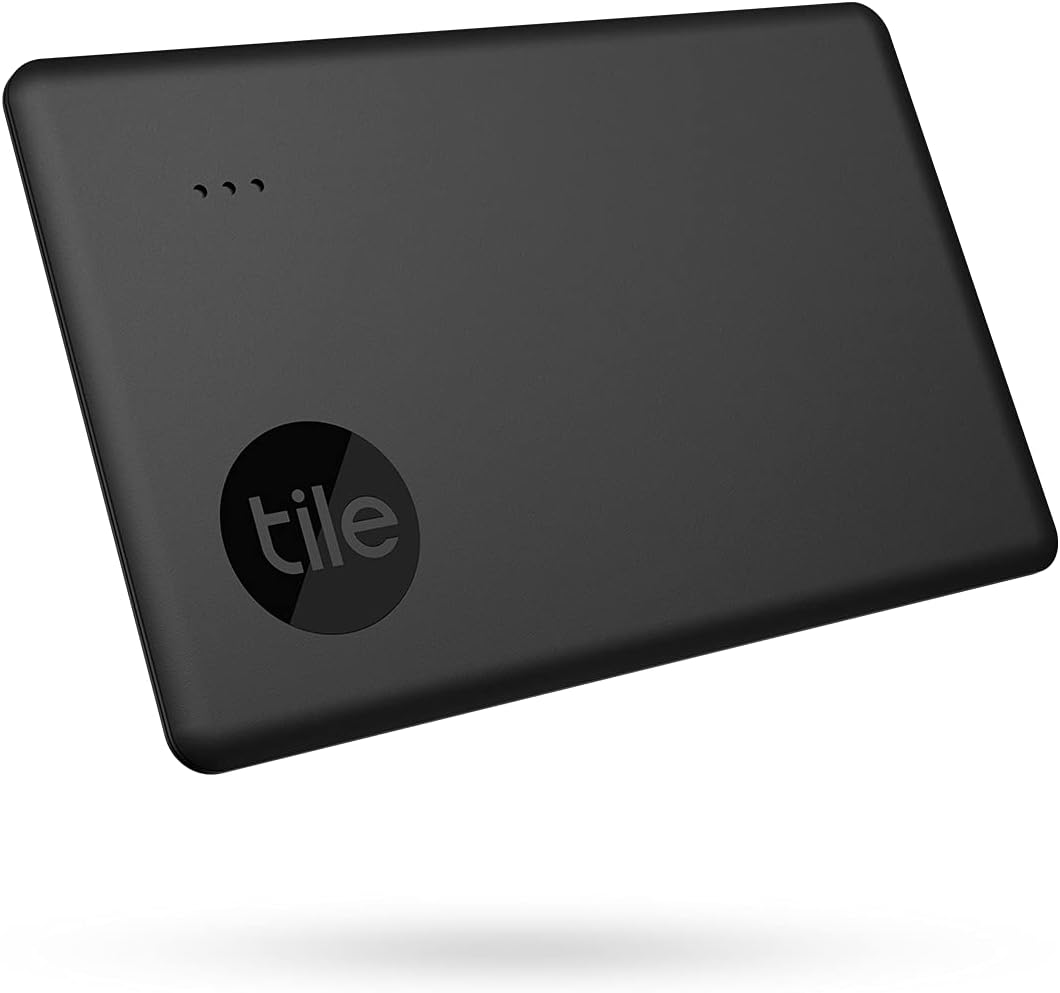
Best for: mixed-device households, simple key tracking, backpacks, purses, school bags, and people who do not want to buy into one phone maker’s tracker ecosystem.
Why it works: Tile Mate has a straightforward shape, a built-in attachment hole, and a simple app-based workflow. For someone who just wants a tracker on a keyring, that can be enough.
Tradeoff: the network effect is the biggest limitation. AirTag is stronger for iPhone users because of Apple Find My, and SmartTag2 is stronger for Samsung users because of SmartThings Find. Tile Mate is best when cross-platform simplicity matters more than maximum network scale.
Check Price on AmazonBluetooth tracker comparison
| Tracker | Best for | Phone ecosystem | Attachment | Best EDC use |
|---|---|---|---|---|
| Apple AirTag | iPhone users | Apple Find My | Needs holder for keys | Backpack, luggage, tech pouch |
| Samsung Galaxy SmartTag2 | Samsung users | SmartThings Find | Built-in hole | Keys, bags, luggage |
| Apple AirTag 4 Pack | Multi-item tracking | Apple Find My | Needs holders for some uses | Full EDC and travel setup |
| Tile Mate | Simple cross-platform use | Tile app | Built-in hole | Keys and basic bags |
Where should you put trackers in an EDC setup?
The highest-value tracker placements are the items with the worst replacement cost, the worst inconvenience, or the highest chance of being left behind.
Start here:
- Keys: highest daily frustration if lost.
- Backpack or work bag: contains multiple expensive items.
- Travel luggage: useful during airports, hotels, and rideshares.
- Tech pouch: protects small portable tech like chargers, cables, adapters, SSDs, and earbuds.
- Camera bag: useful for creators and production work.
- Kid bags or family travel items: helpful when coordinating multiple bags.
For tech-savvy consumers, the best setup is usually two trackers for daily carry and two for travel. That covers the items most likely to interrupt your day without turning every object into a notification source.
Are Bluetooth trackers worth it?
Yes, Bluetooth trackers are worth it for EDC gear if you attach them to items that would cost time, money, or stress to replace. A tracker on a $12 cable is overkill. A tracker on keys, a backpack, a tech pouch, luggage, or a camera bag is practical insurance.
The mistake is buying a tracker and leaving it in a drawer. Install it immediately, name it clearly in the app, test the sound, and put it on the object today. The value comes from the system, not the gadget.
Final recommendation
Buy the Apple AirTag if you use an iPhone. Buy the Samsung Galaxy SmartTag2 if you use a Samsung Galaxy phone. Buy the AirTag 4 Pack if you want to cover keys, bags, luggage, and a tech pouch at once. Buy the Tile Mate only if cross-platform simplicity matters more than the strongest possible tracker network.
For dailycarrylab.com readers building a cleaner everyday carry system, the best Bluetooth tracker is the one attached to your most important bag before you lose it.
Explore this guide cluster
Related Daily Carry Lab guides